For coaches and small business owners running everything from notes, plans and their own head.
The problem
The tasks that bring in customers are spread everywhere. Some are in a plan. Some are in your notes. Some are only in your head.
So the important one slips. You remember it the day after it mattered.
The trap is the tool trap: another app to check, when what you need is one list that comes to you.
The guide
I've been building marketing systems for over 3 years, and I had the same problem with my own week. I wanted something to pick up the things I'm supposed to do and tell me the day before. Not the same day: the day before, so there's time to get ready.
What was built
Two short emails a day, made from one list of tasks.
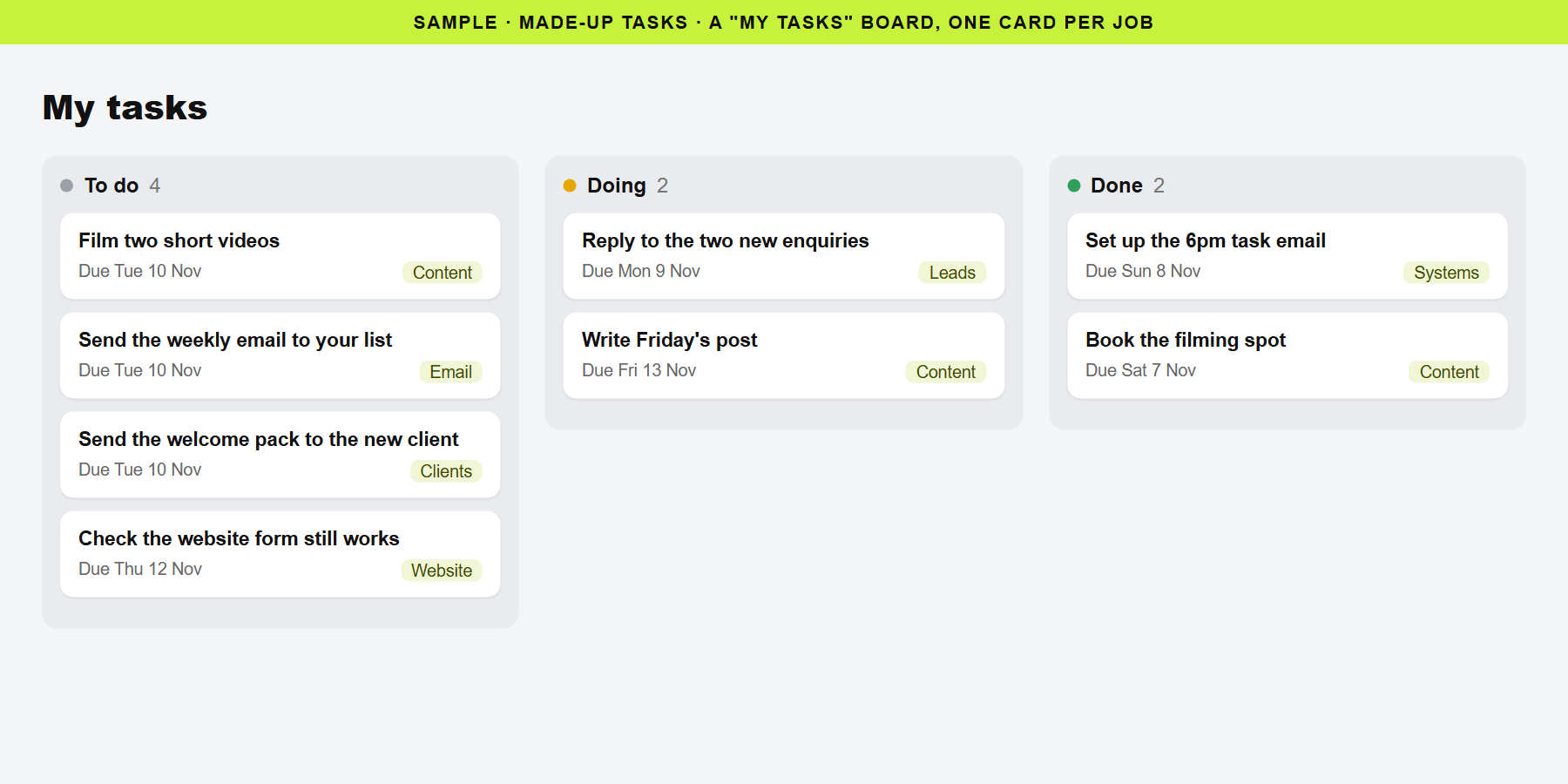
- One list of tasks in Airtable. Each task has a name, a due date, a status (To do, Doing, Done) and a few details.
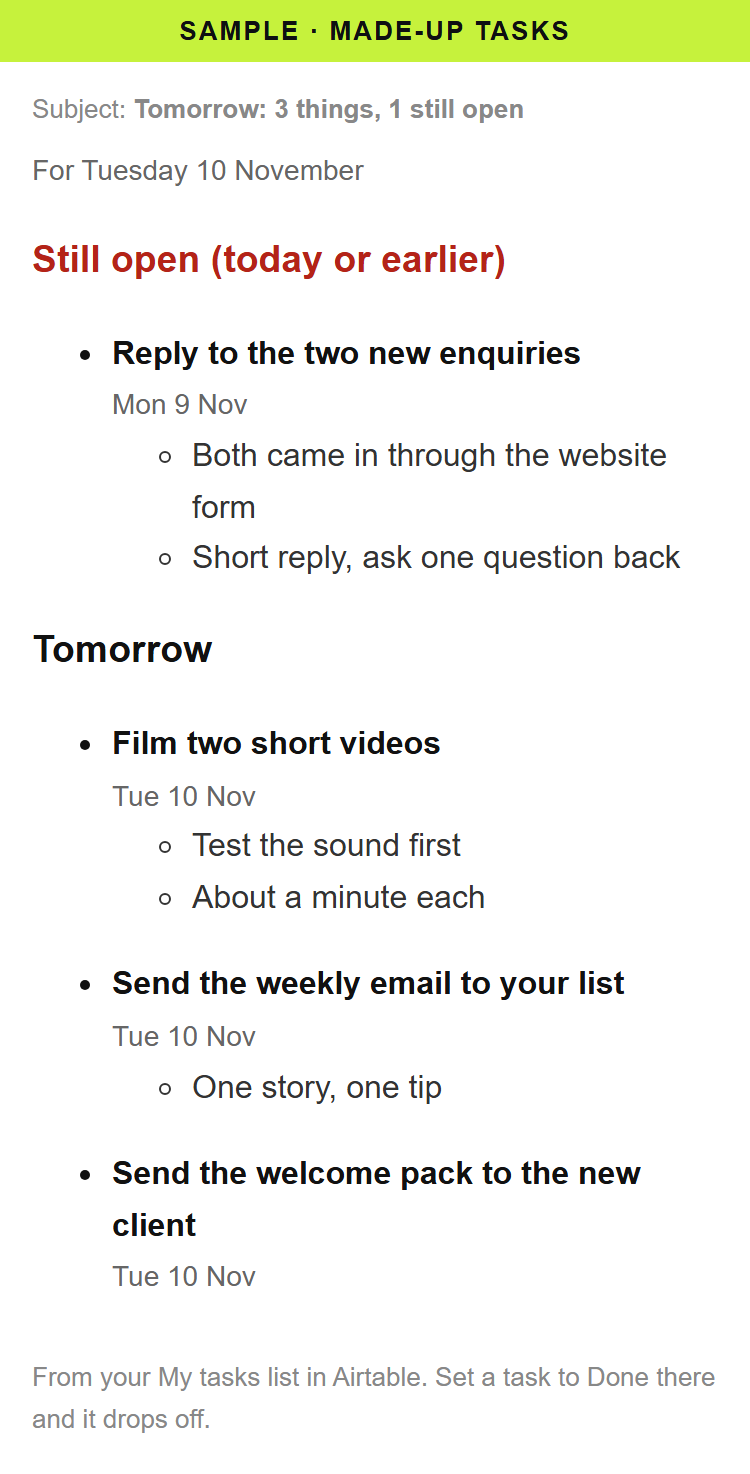
- At 6pm: tomorrow's tasks. An email lists everything due tomorrow, plus anything still open.
- At 6am: today's tasks. An email lists everything due today, plus anything overdue.
- Each task is one clean bullet. The task in bold, its date, and the details underneath. No pictures, no tracking, no links.
- Nothing to do? Nothing is sent. An empty day means no email.
- Tick a task Done and it drops off the next email.
The first version looked like a junk email, so it was rebuilt on 1 Nov 2026 as a clean list. Make sends it through Gmail. It was built by talking to Claude, no code.
The result
- Running every day since 1 Nov. Every email so far has gone out on time: 4 out of 4 by 3 Nov.
- They land in the Inbox, not Spam.
- Tasks done on time and time saved: being measured.
Your next step
Want to find the first task worth handing over in your own business? Get the free checklist: 10 tasks to automate first.